
How do I complete Recheck verification for EnFin?
Please note that, effective 11/18/2025, EnFin requires Recheck verification for anyone submitting solar projects via the EnFin partner portal or third-party sales platforms.
For EnFin or Partner Platform troubleshooting help (e.g. you are locked out of your Partner Portal account), please reach out directly to EnFin customer support:
Phone support: 833-586-3675
Technical support (text): 717-853-1183
Chat support (within Partner Portal)
You can also reach out to your company's assigned BD rep or to businessdevelopment@enfin.com for general help or escalated support.
You will need to complete the below process for each of your accounts on the EnFin Partner Portal (i.e. even if you have linked your Recheck to another EnFin account previously).
If you have not yet linked your Recheck account to your EnFin account, you will be prompted to complete Recheck validation upon logging into the EnFin Partner Portal:
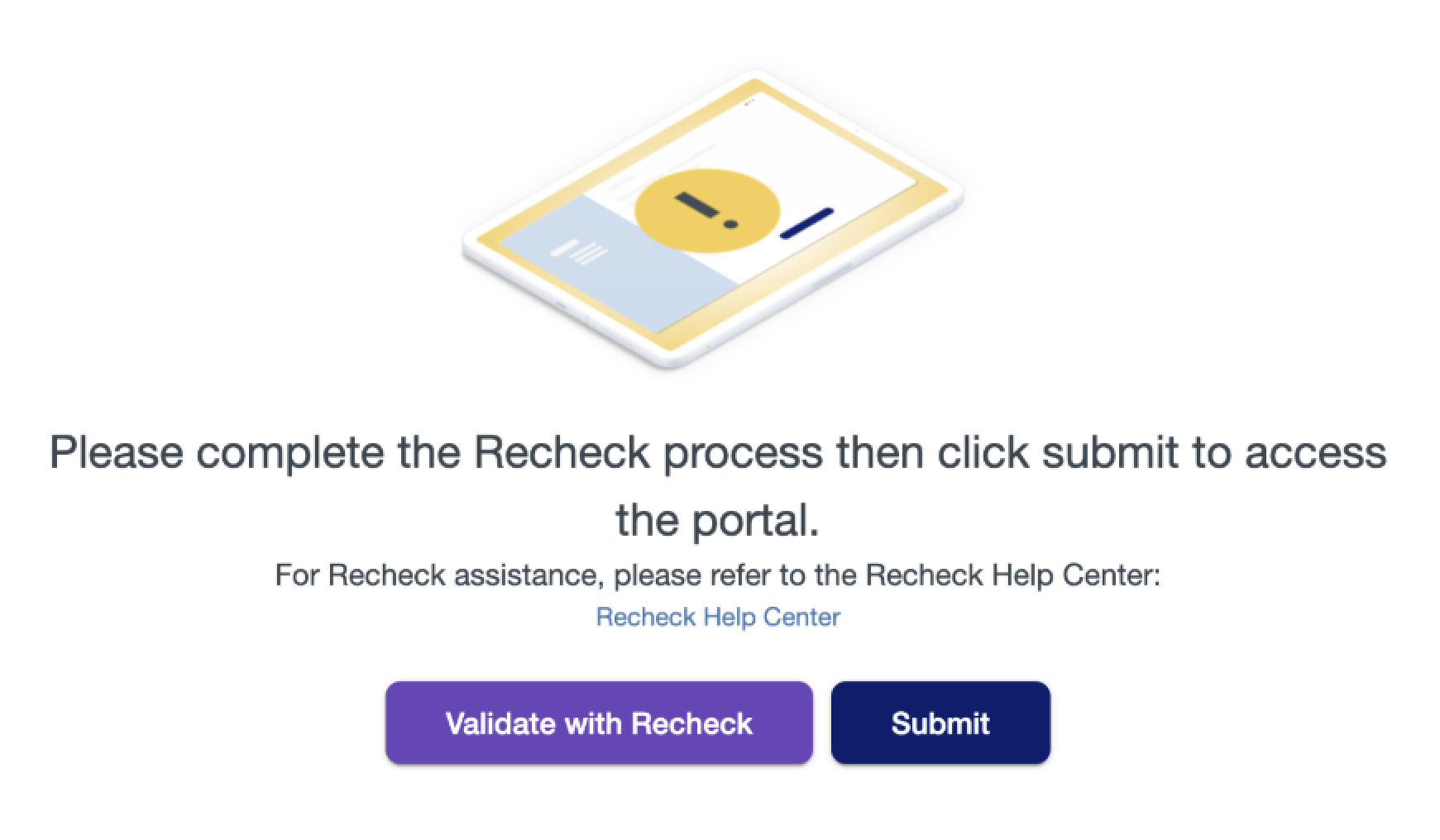
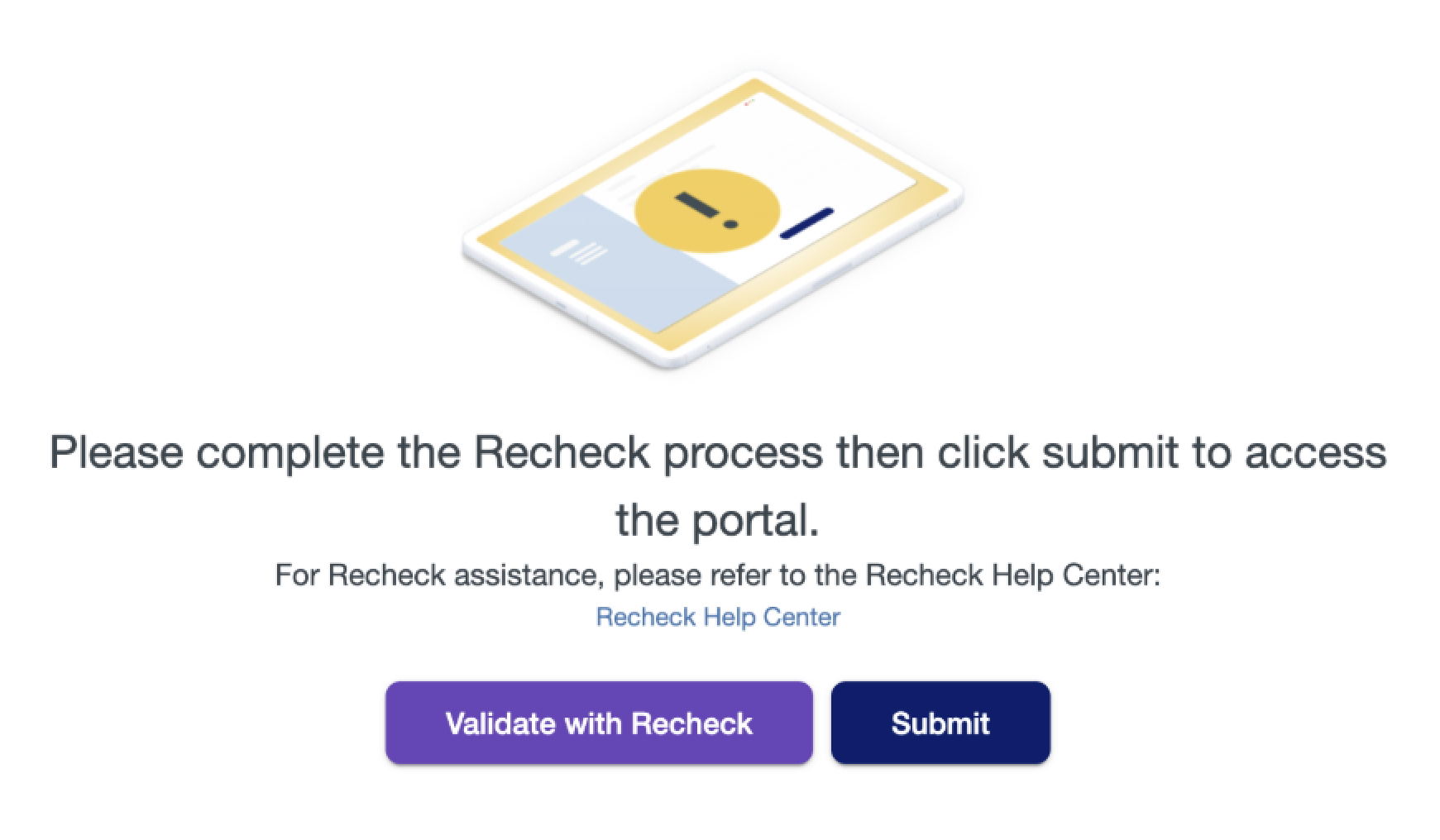
Click the 'Validate with Recheck' button to start the linking process
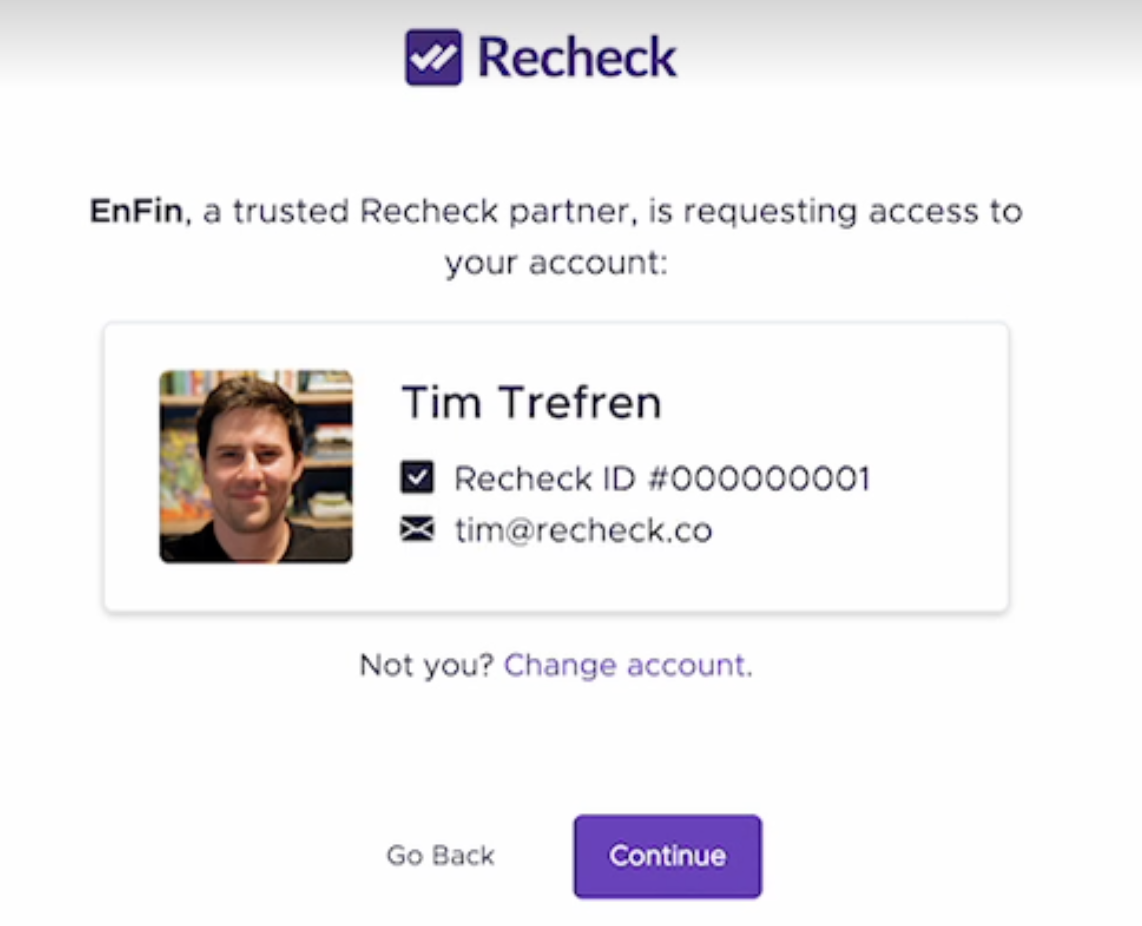
If you have never completed Recheck verification, follow the verification steps. The process takes ~90 seconds and requires a government ID and selfie. Once done, click 'Continue' on the screen showing your name and Recheck ID
If you've previously completed Recheck verification (for another financing company or installer), you still need to link your Recheck account to EnFin. You can do this by clicking the 'Validate with Recheck' button, logging into your existing Recheck account (not repeating the full ID verification process), and clicking 'Continue' on the screen showing your name and Recheck ID
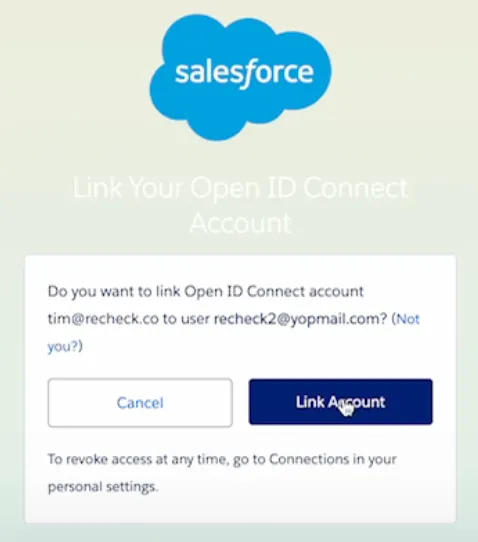
After clicking 'Continue', you will see the following screen. Click 'Link Account'
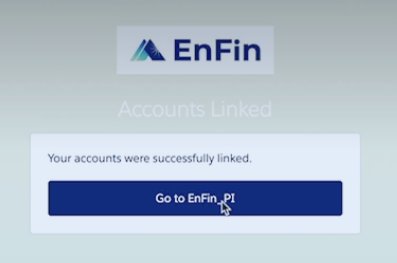
Once you've successfully linked your account, you'll see this screen. Click 'Go to EnFin_PI'
Once redirected back to the below screen, click 'Submit' to complete the process:
For users submitting projects to EnFin via a sales platform like Aurora, you will first need to complete the Recheck validation and linking process in the EnFin portal. If you have not done this, you will see the below message and be blocked from submitting deals.
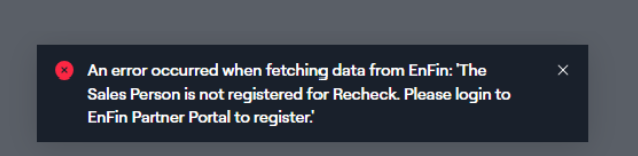
To troubleshoot, please follow these steps:
Ensure that your sales platform (e.g. Aurora) account login email is the same as your EnFin account login email
Log into the EnFin Partner Portal using that email and complete the required Loan and TPO training modules
Complete the Recheck validation and linking process as instructed above
Re-attempt submission from the sales platform. If you still experience issues, try logging out of both platforms, clearing your cache/cookies, and logging back in and trying again
If you're still experiencing issues, please reach out to support@recheck.co for assistance.